
Commercial Embroidery Software
EmbroideryStudio 2026 Decorating
Choose the option that fits your business:
$2000 USD
Own your EmbroideryStudio software outright.
Purchase with a single payment and enjoy lifetime ownership.
$790 USD /year
or
$79 USD /month
Subscribers unlock exclusive features and stay up to date with every new release.
What’s new in EmbroideryStudio 2026
Key enhancements and new tools designed to improve digitizing precision, efficiency, and production workflows.
Continue Digitizing
Snap to Object
Separate Pull Compensation
Quick, Easy, and Automated
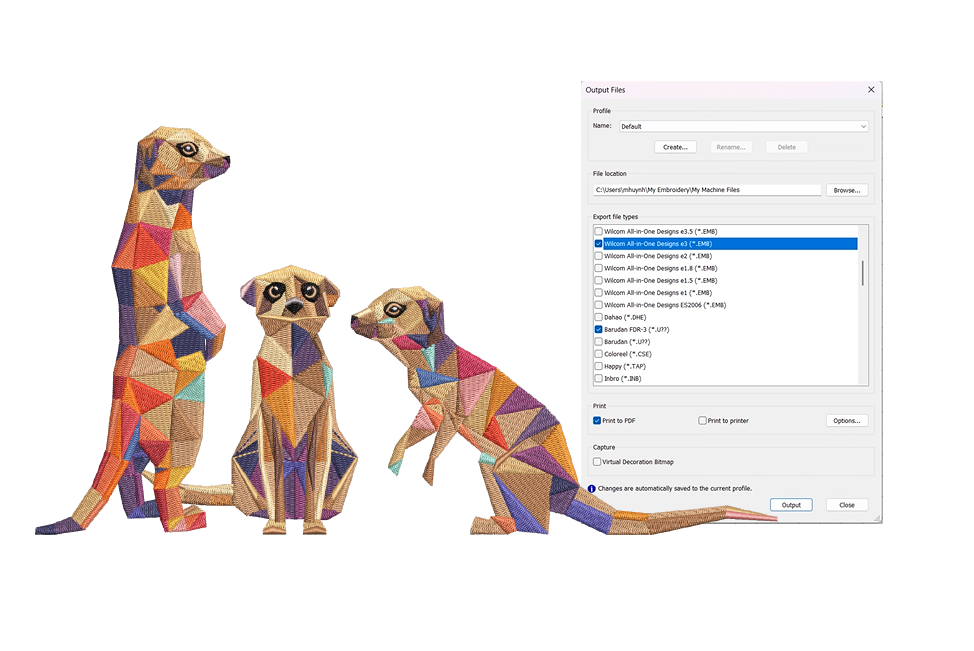
Streamline Production Export
Save time by exporting designs and production worksheets in just one step. With customizable Export and Print Profiles, you can predefine file formats, worksheet options, and destination folders.
Once set up, EmbroideryStudio automatically handles everything in a single action, eliminating repetitive tasks and speeding up job preparation.
Save Time with Auto-Digitizing!
The enhanced feature replicates bitmap designs with automatic object sequencing and color reduction options. Auto-digitize entire designs or specific sections, which can be combined with traditional digitizing for greater efficiency.
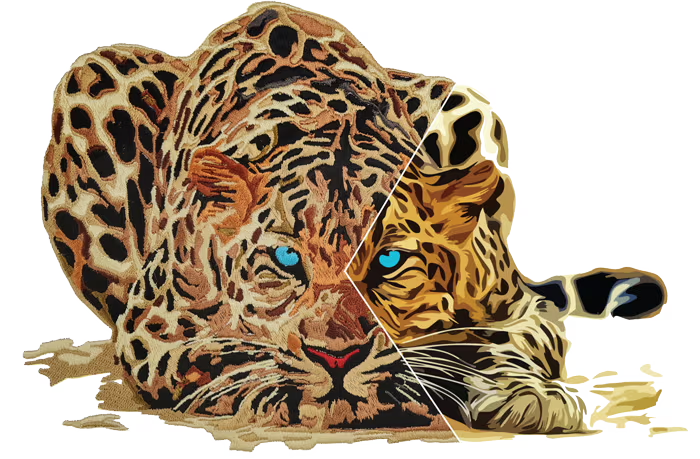
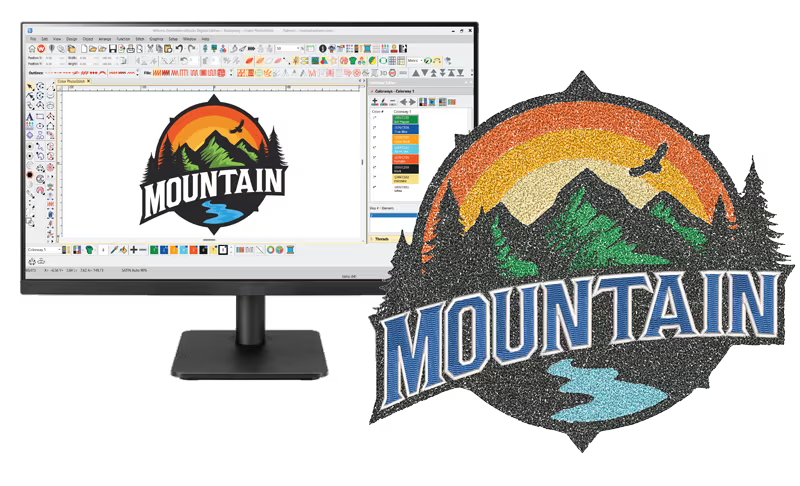
Explore the Potential of Printable Embroidery
Easily digitize with creative stitch types like Color PhotoStitch to add rich texture to your designs. Export high-resolution PNG files ready for direct-to-garment printing.
Effortlessly adding an alternative revenue stream!
The easier way to do Embroidery
Graphical Digitizing tools make creating embroidery shapes as easy as drawing on-screen.
Create your shapes and fill them with stitches.

Want more graphics?
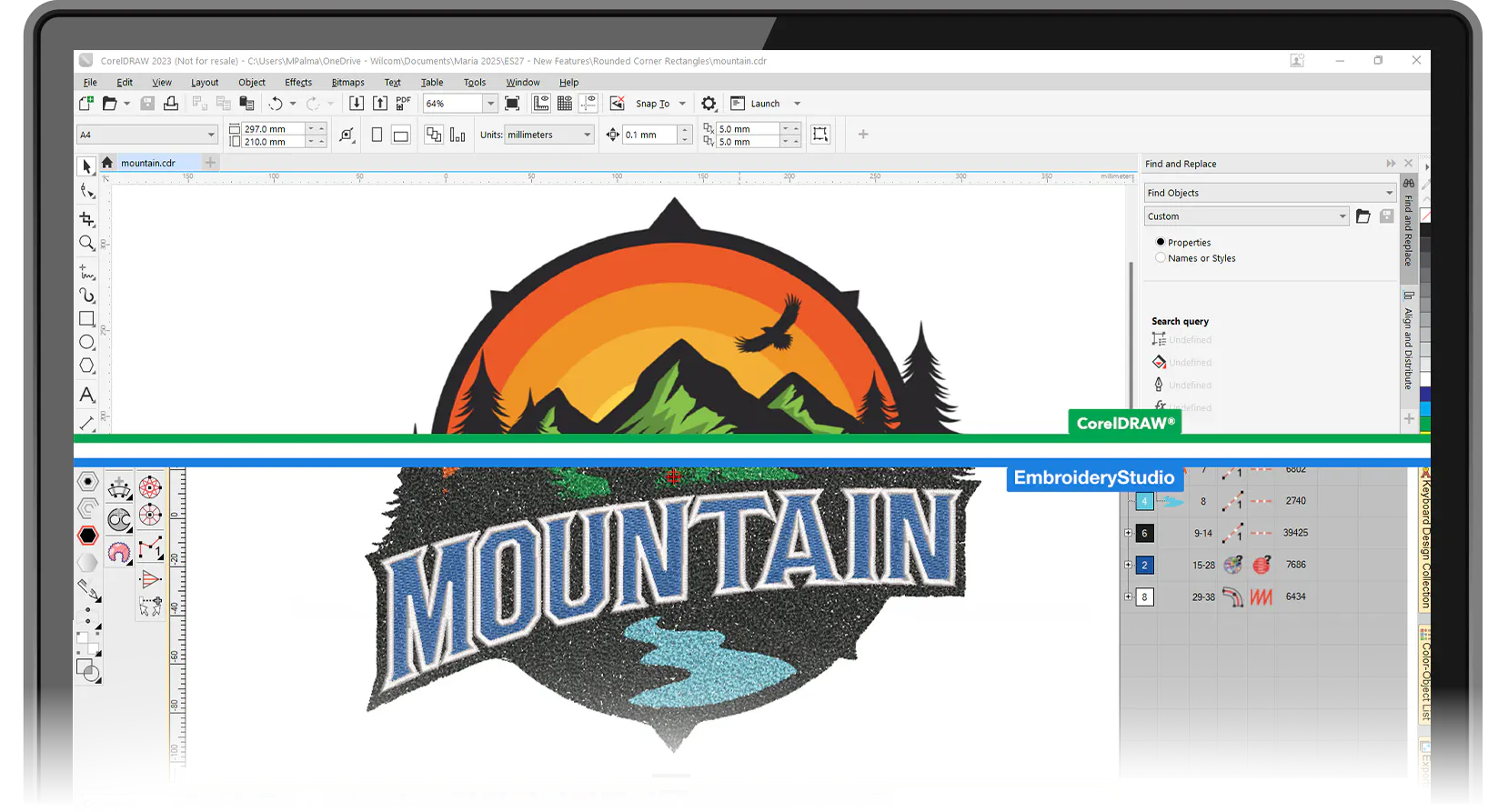
Unleash the integrated power of CorelDRAW® Graphics Suite
CorelDRAW is fully integrated and included with EmbroideryStudio Decorating and Designing, giving you seamless access to advanced graphic tools.
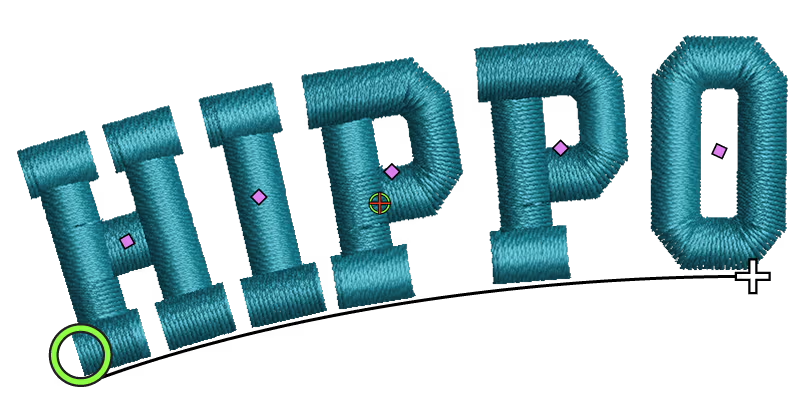
Gold-class lettering
Powerful, precise tools for high-quality embroidered lettering. Choose from over 228 professionally digitized embroidery fonts or easily convert any TrueType Font to embroidery. Customize with options for baselines, spacing, kerning, justification, Lettering Art options, and unique enveloping shapes.
Now enhanced with expert resequencing, ensuring key overlapping sections are neatly tucked beneath embroidery strokes.
Compatible with all major embroidery machine brands including
Join hundreds of thousands of users who choose Wilcom.








EmbroideryStudio 2026 Is Available in Four Levels
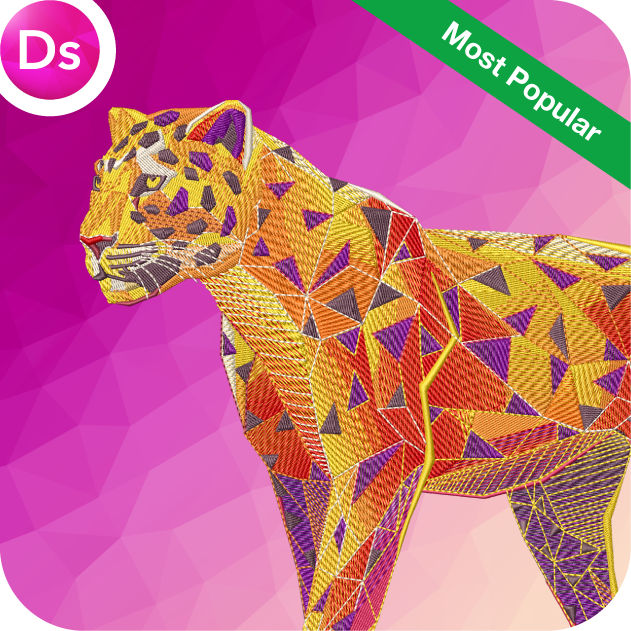
Designing
Ultimate embroidery & multi-decoration solution
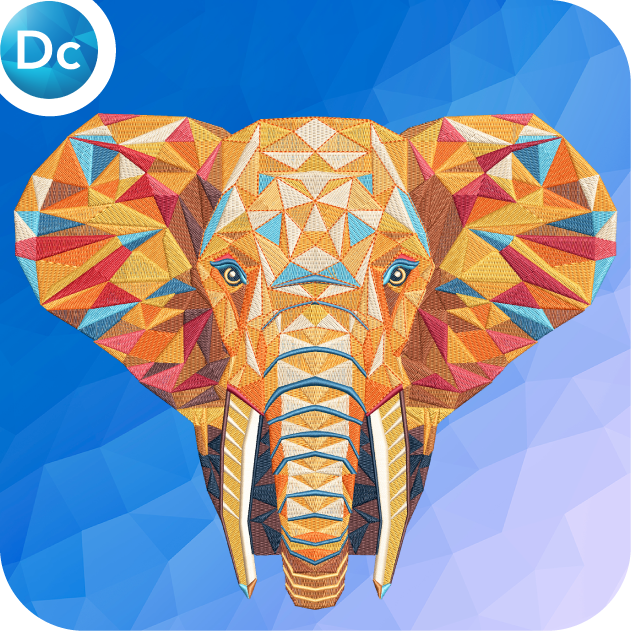
Decorating
Professional embroidery & multi-decoration solution
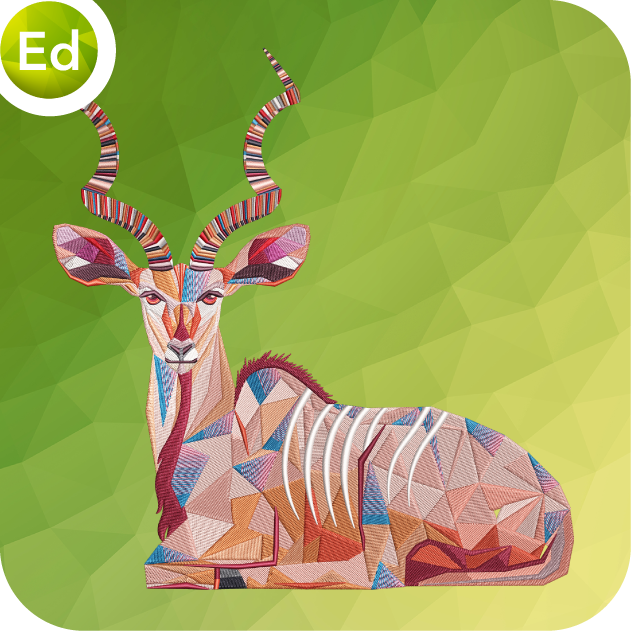
Editing
Designs, monograms & lettering editing software
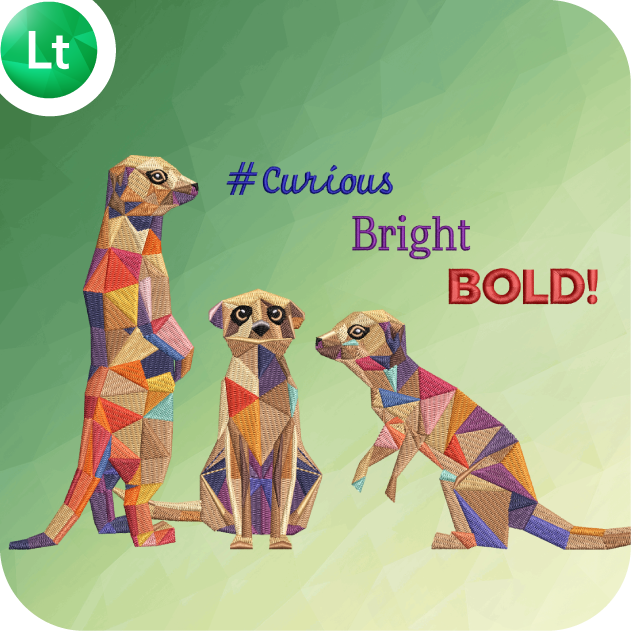
Lettering
Automatic lettering, customizing & machine connection software
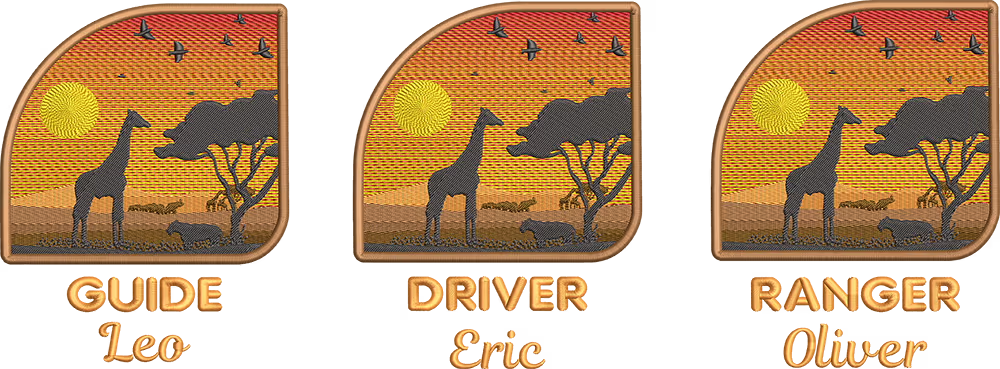
Effortless Name Drop
Make team wear and uniforms easier than ever. Import your list of names, select a font and size, and EmbroideryStudio automatically generates a unique design for each name—no manual typing, no costly errors.
Template saving is included with Team Names Advanced, available in the DECORATING subscription.
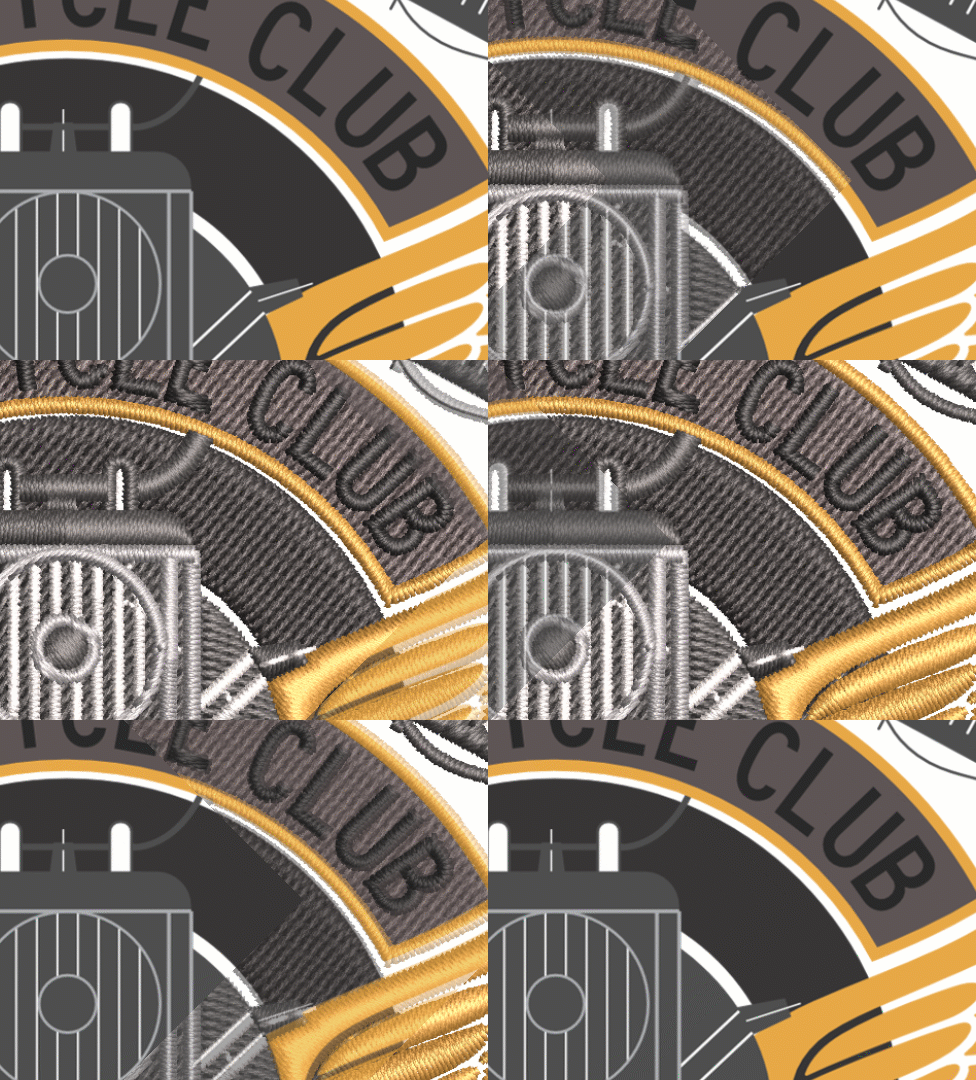
Convert vectors to embroidery
Convert CorelDRAW® graphics to embroidery, saving hours of digitizing time.

One-click tag as appliqué

Multi-decorate your world
Automatic Appliqué
Automatic Appliqué does the hard work for you. Create your shape and EmbroideryStudio will create the placement stitch, tackdown and cover stitch including machine frameout for easy placement and cutting.
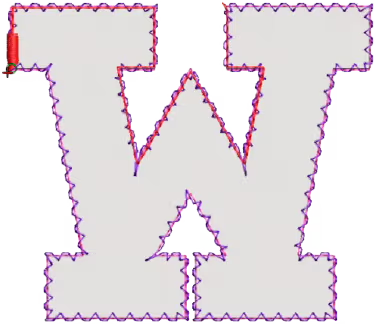
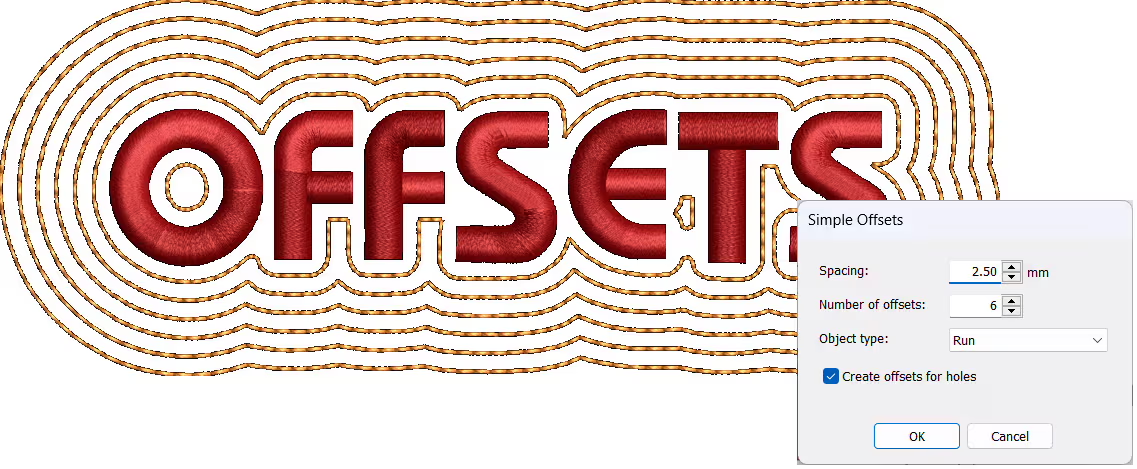
Offsets and Borders
Add simple offsets and borders with one click. Create triple run or satin stitch borders.★★★★★
“Wilcom is great software and allows me to do what I need to do in a very efficient way.”
★★★★★
“Switched from Hatch, and it’s seamless and the best thing I ever did!”
★★★★★
“From my original purchase from Wilcom…this company backs the customer as well as their product.”
★★★★★
“Wilcom Personnel Are Truly Great People”
Talk to a Wilcom Specialist

The World's Favorite Embroidery Software