
Top Commercial Embroidery Software
EmbroideryStudio 2026 Designing
Choose the option that fits your business:
$4000 USD
Own your EmbroideryStudio software outright
Purchase with a single payment and enjoy lifetime ownership.
$1490 USD /year
or
$149 USD /month
Subscribers unlock exclusive features and stay up to date with every new release.

What’s new in EmbroideryStudio 2026
Key enhancements and new tools designed to improve digitizing precision, efficiency, and production workflows.
Snap to Object
Multi Blend
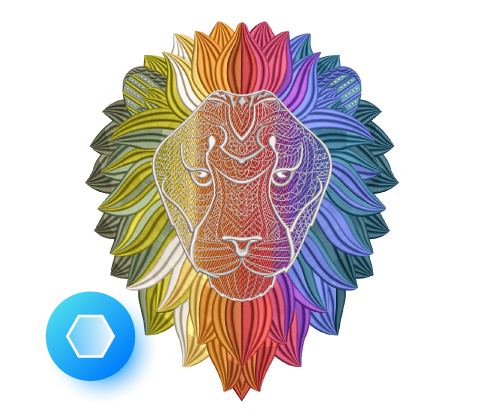
Add depth, shading, and smooth gradients with layered stitch blends. Adjust colors, preview changes instantly, and choose from presets or build your own custom blends.
Continue Digitizing
Custom Accordion Spacing
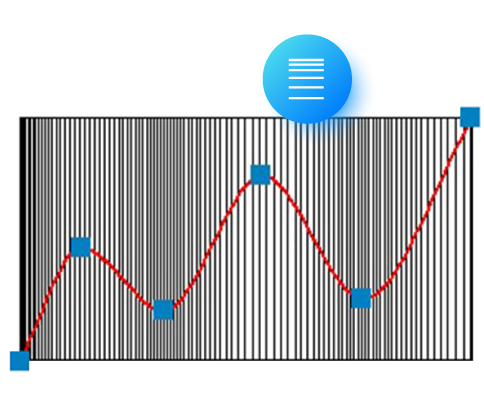
Create wave-like density shifts within a single accordion object for dynamic texture and visual flow.
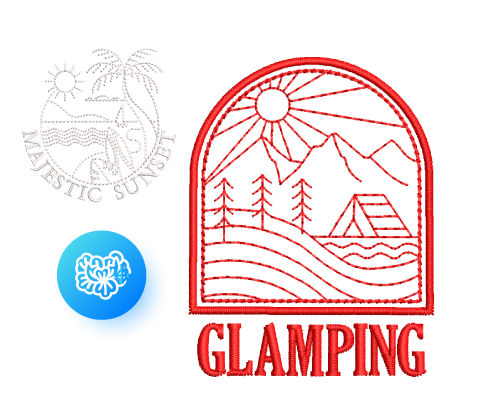
Redwork
Convert outlines into continuous Redwork with Single, Triple, Backstitch, or Stemstitch runs, all optimized for smooth pathing.
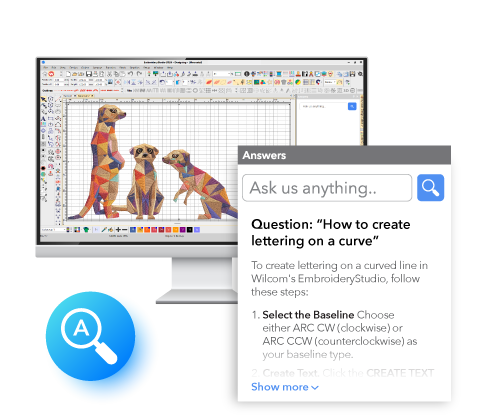
Wilcom Answers
Unlock a Productivity Boost

Export Files as You Keep Working
Keep your workflow uninterrupted! Export machine stitch files in the background while you continue digitizing. With the new Export Docker, you can easily track your export progress and history.
Reporting Capabilities
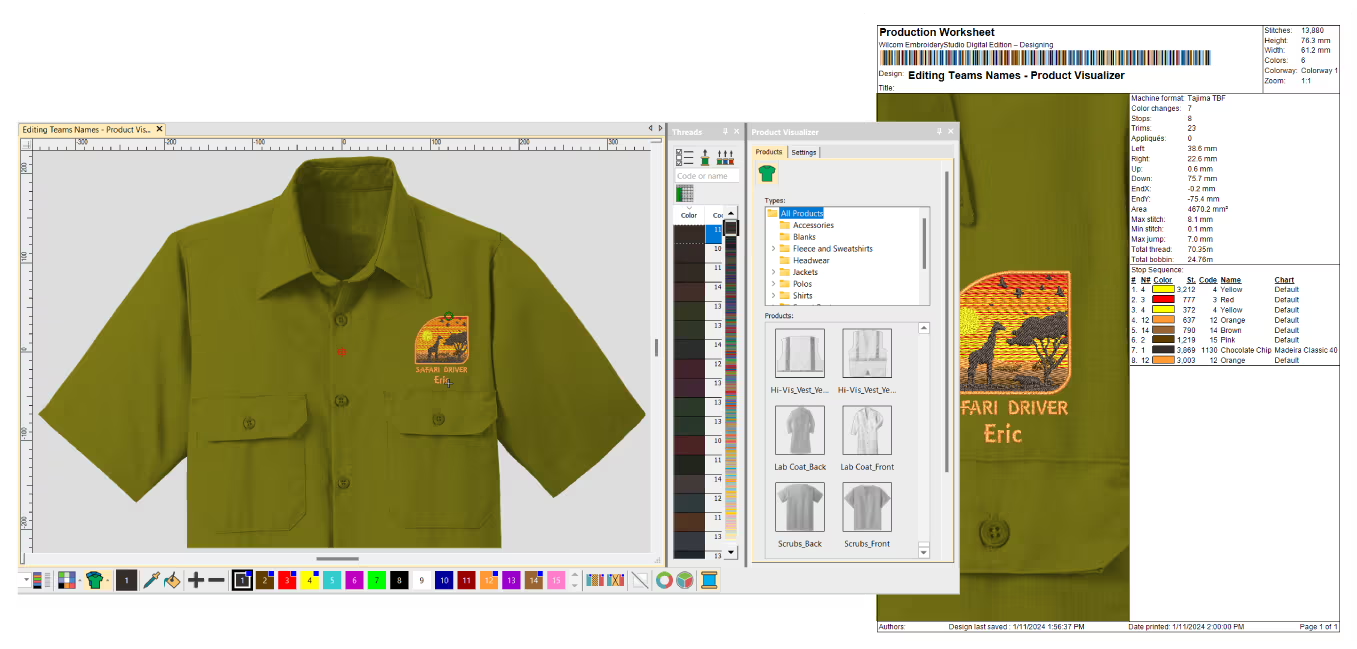
Built-in reporting provides flexible reporting options for both customers and teams, including Approval Forms, Production Worksheets, Summaries, and Color Films. Worksheets feature barcodes, and reports can be easily customized to include the exact details needed.
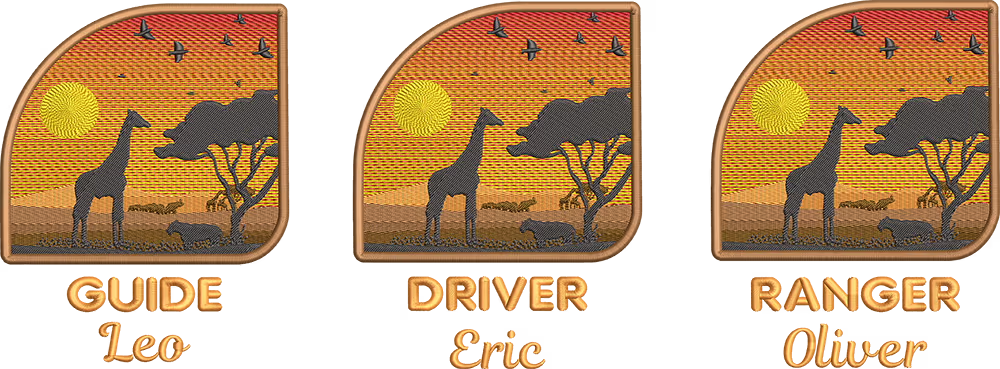
Name Drop with Ease
Easily import and manage your list of names directly within the logo embroidery file, then save it as a reusable template*. Use the Matrix feature to automatically generate and sequence designs for optimal production, all within one ready-to-use file. This feature is perfect for sports teams and uniform orders.
*Template-saving capabilities are included in Team Names Advanced and are available with the DESIGNING subscription.
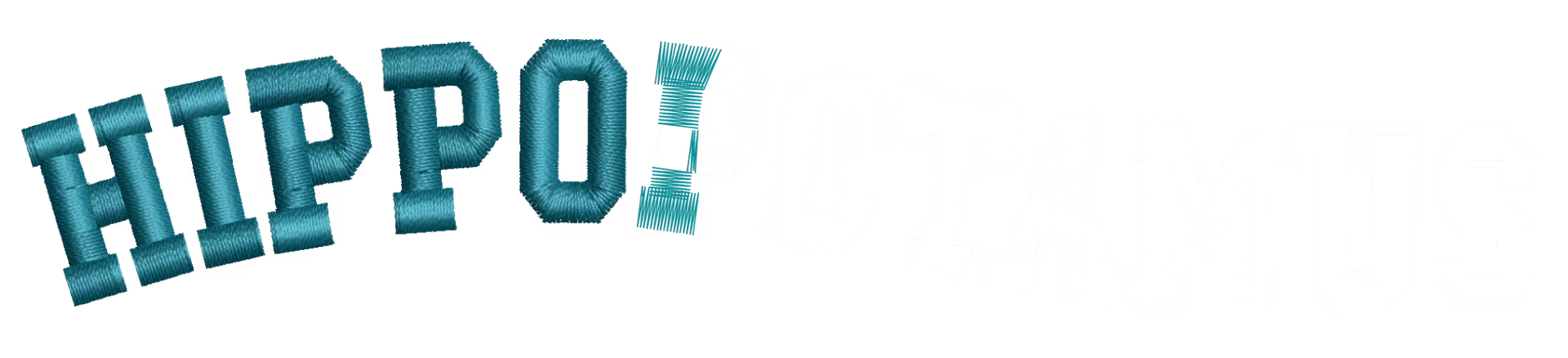
Wilcom lettering just got better!
Every product level now delivers professional-quality lettering with automatic expert resequencing. Overlaps and key stitches are precisely managed and neatly tucked beneath embroidery strokes, creating a sharp result that feels as if a skilled expert manually digitized it.
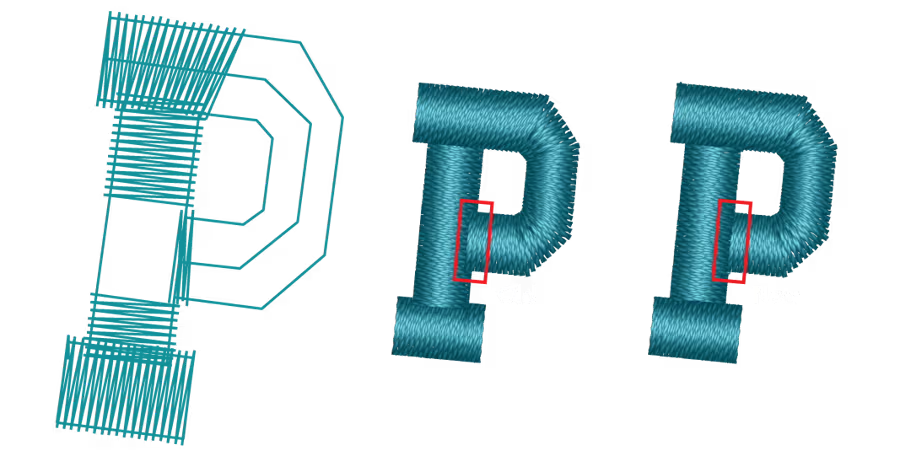
Master your production-based digitizing
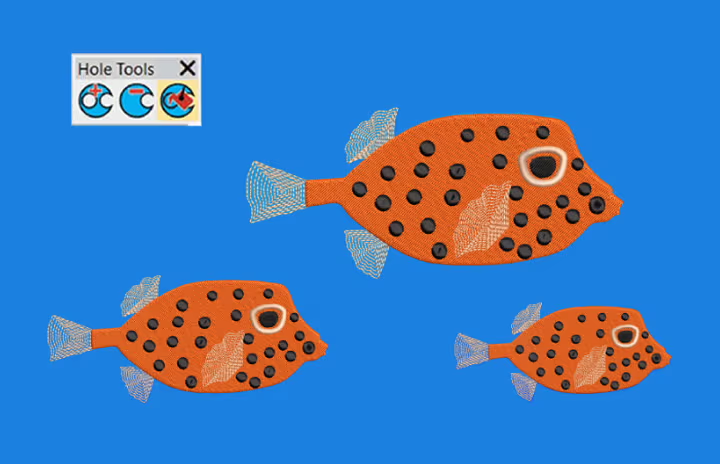
Single Click Functions
Instantly remove overlaps, fill holes, center all, and access many other time-saving tools with just one click!
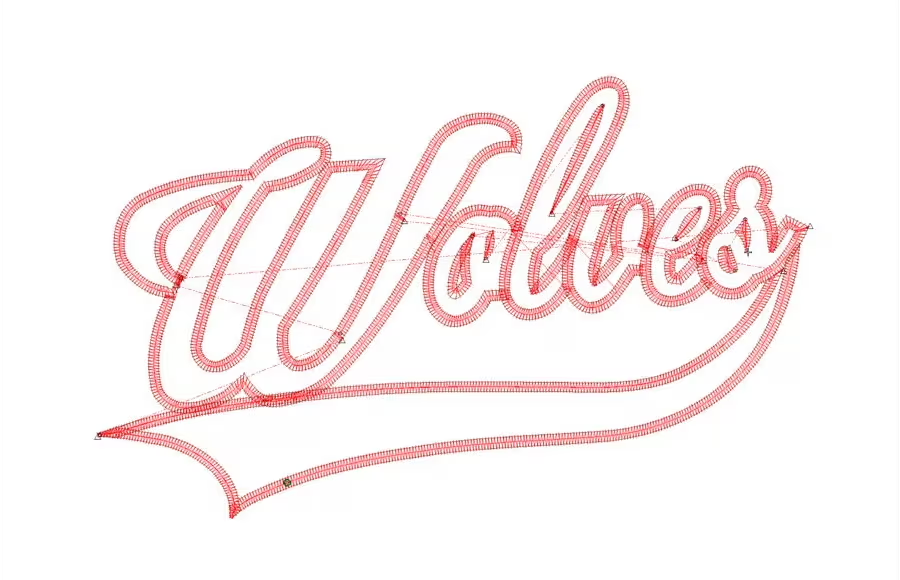
Reduce Costly Trims and Jumps
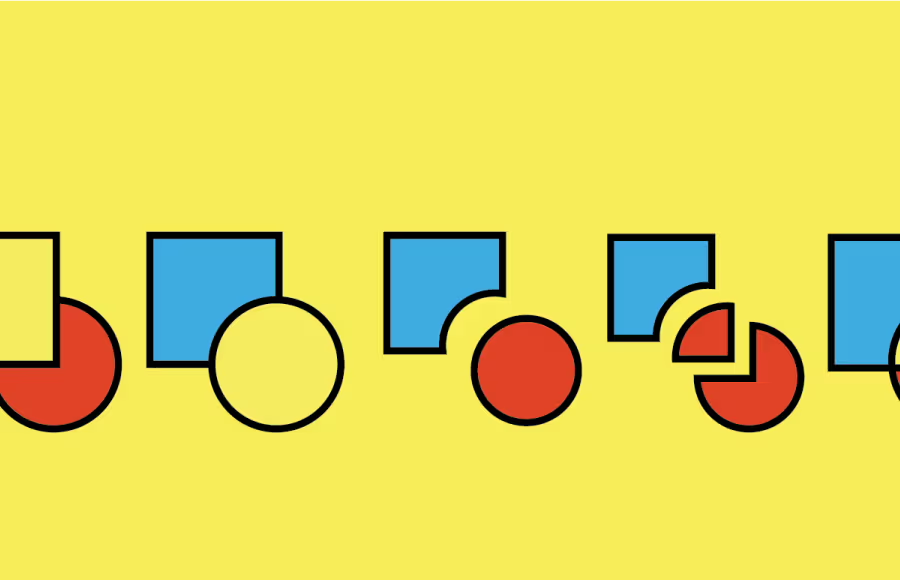
Powerful Transformation and Shaping Tools
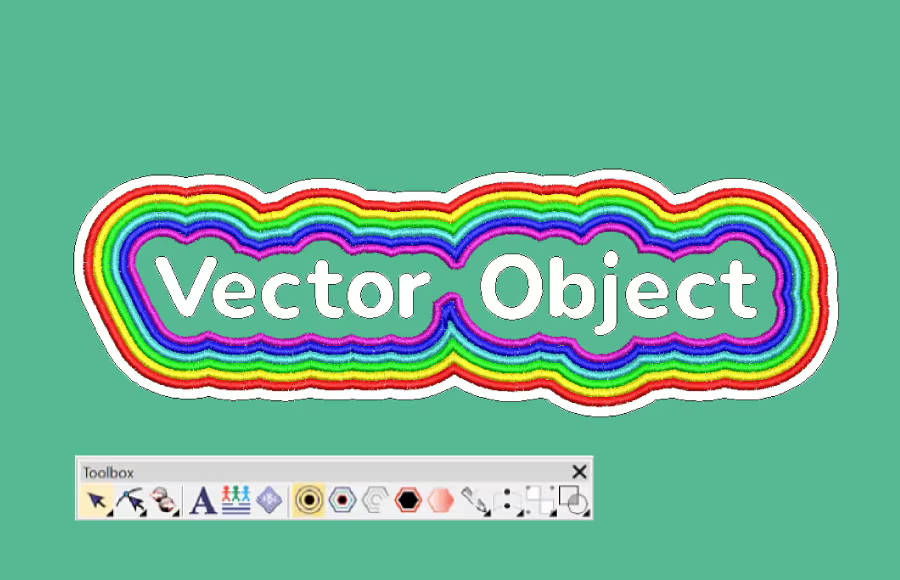
Outlines and Offsets
Easily create precise outlines and multiple offset borders with independent stitch types, sizes, and thread colors for any design.
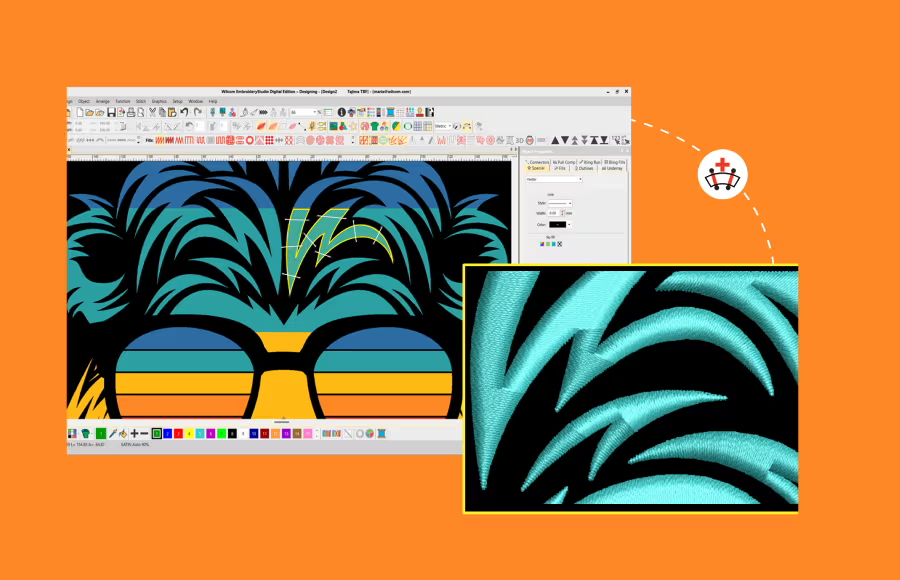
Stitch Angles
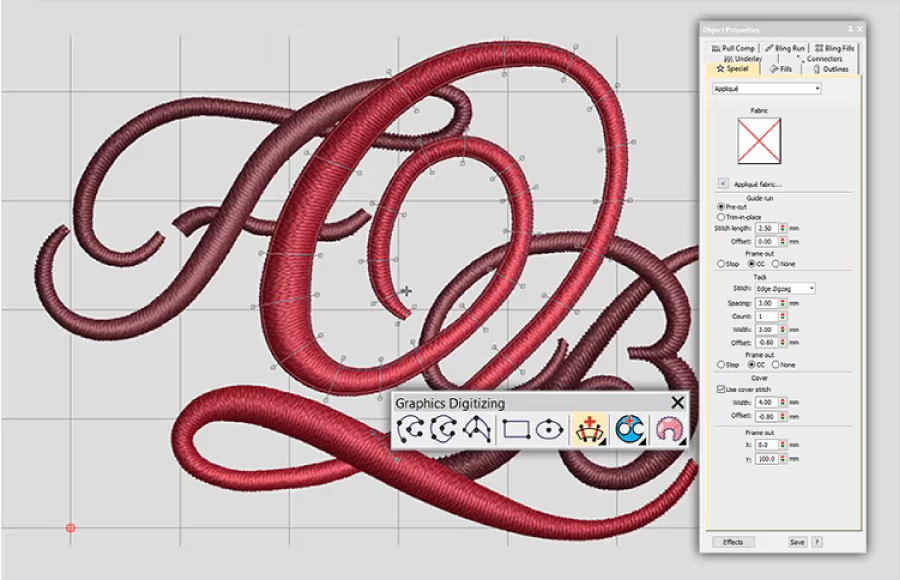
Full Control of Stitch Properties
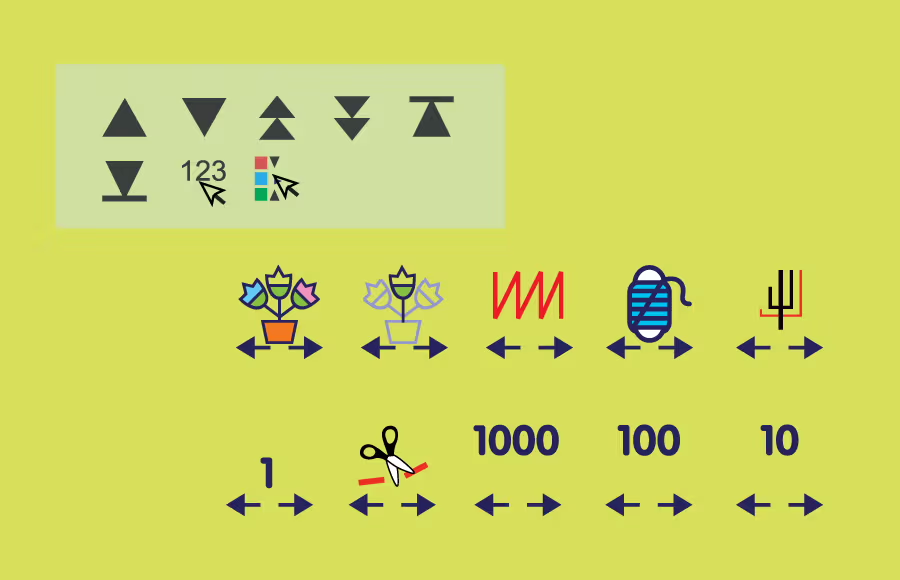
Travel Tools and Sequence Tools
Travel through your embroidery design by Object, Segment, Color, Function, Trim or Stitch-By-Stitch. Use the Sequence tool to quickly add, cut, copy, paste and branch objects in the color-object list.
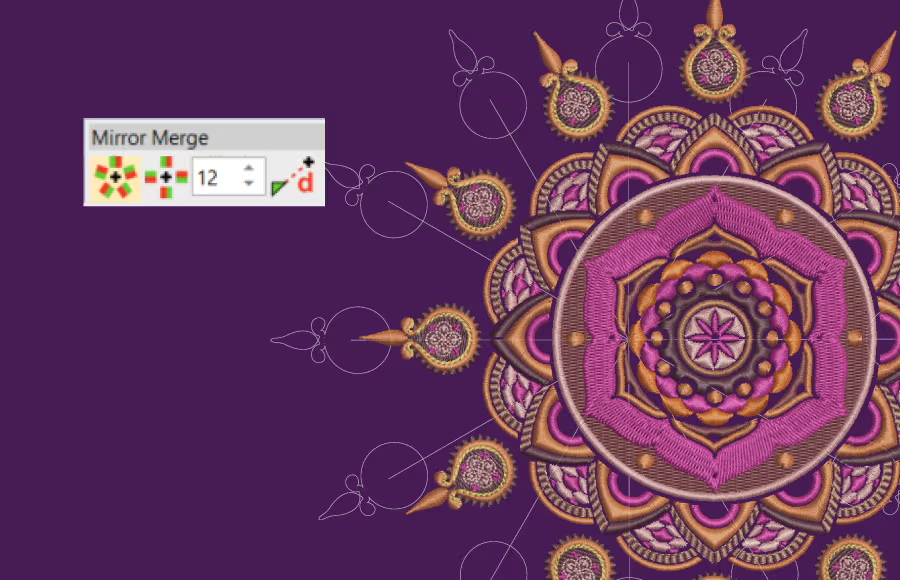
Mirror Merge
Quickly duplicate objects in circular patterns or rows—perfect for creating precise badges. Specify rows and columns for efficient color resequencing.
Explore Your Creative Potential
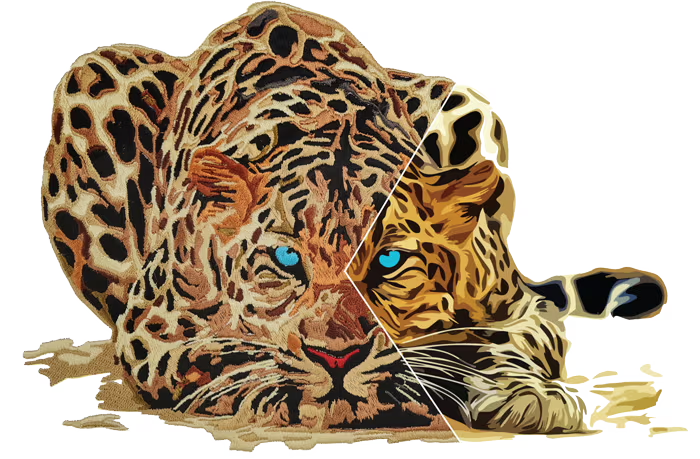
Save Time with Auto-Digitizing!
The enhanced feature replicates bitmap designs with automatic object sequencing and color reduction options. Auto-digitize entire designs or specific sections, which can be combined with traditional digitizing for greater efficiency.
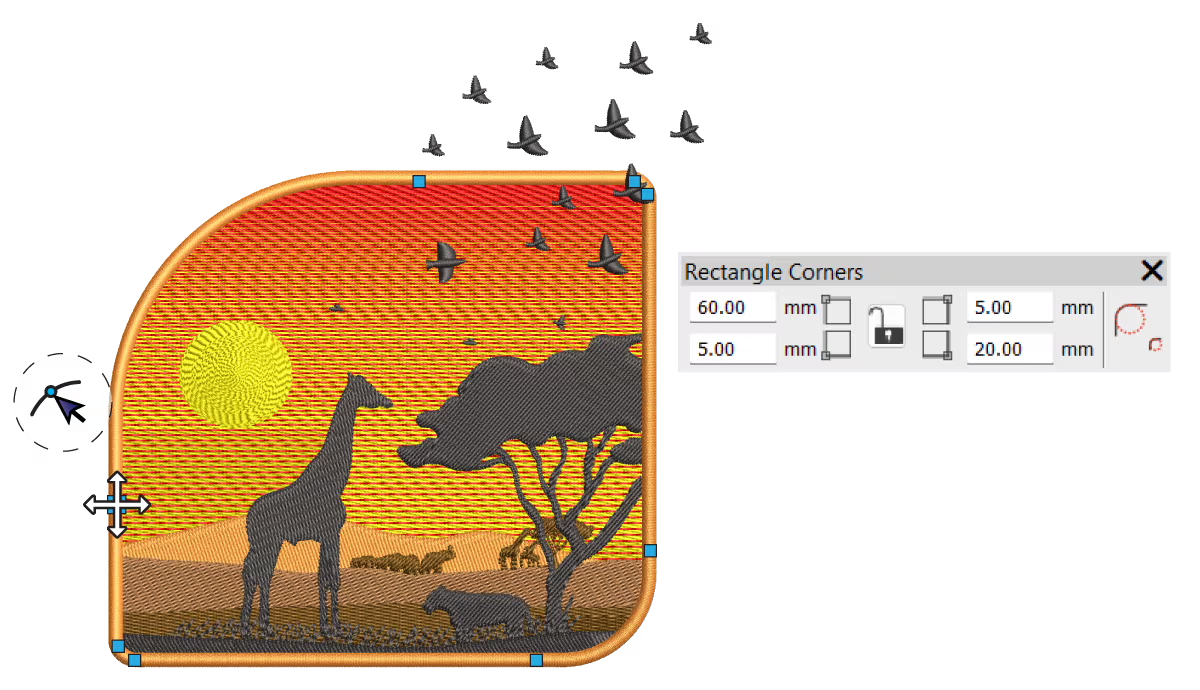
Easily Add Smooth, Rounded Corners
Easily control the curve of each rectangle corner, adjusting one or all four corners independently. Perfect for creating badges.
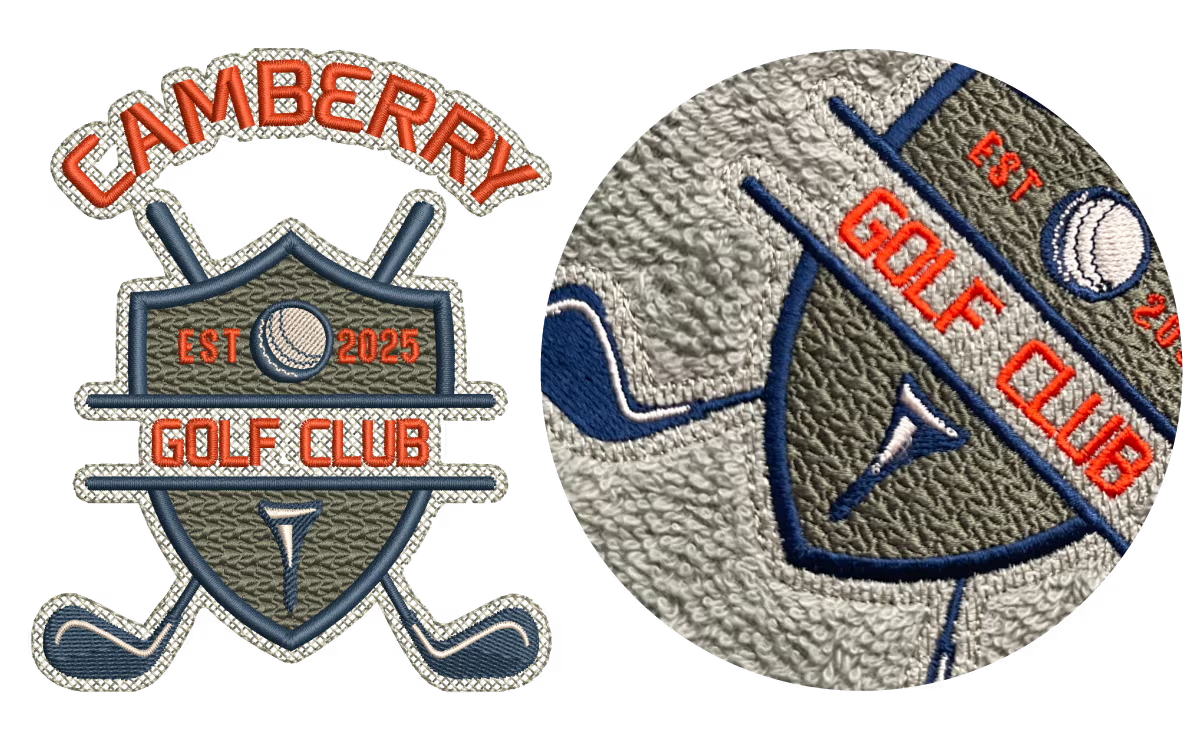
Create a Smooth Base for Perfect Embroidery
Laydown Stitch creates an open-stitch background to control fabric nap, making it ideal for high-nap fabrics like Terry toweling, knits, and microfiber fleece—no solvy needed. The flexible fill stitch can be applied to any embroidery object, opening up creative possibilities.
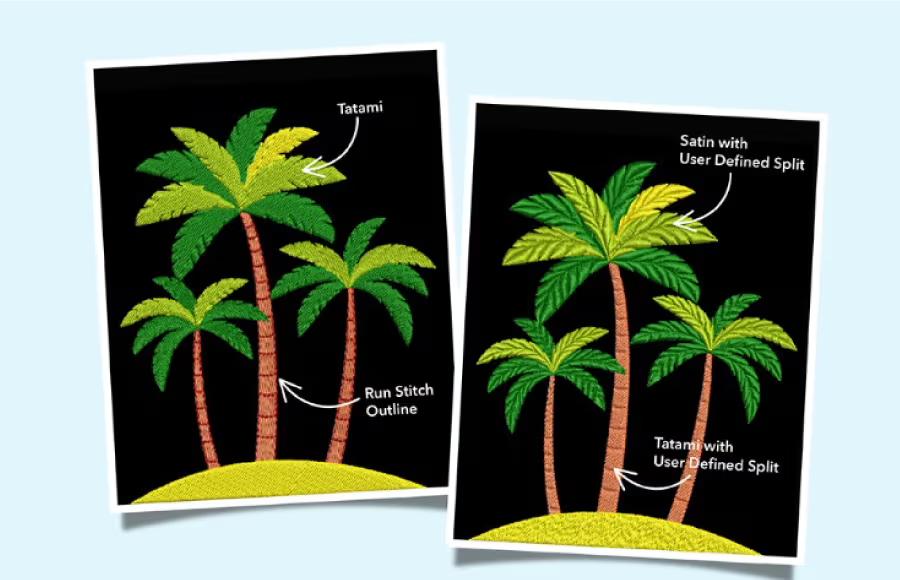
Custom Splits
Create dimension and definition by strategically placing stitch penetrations.
Included with the DESIGNING Subscription
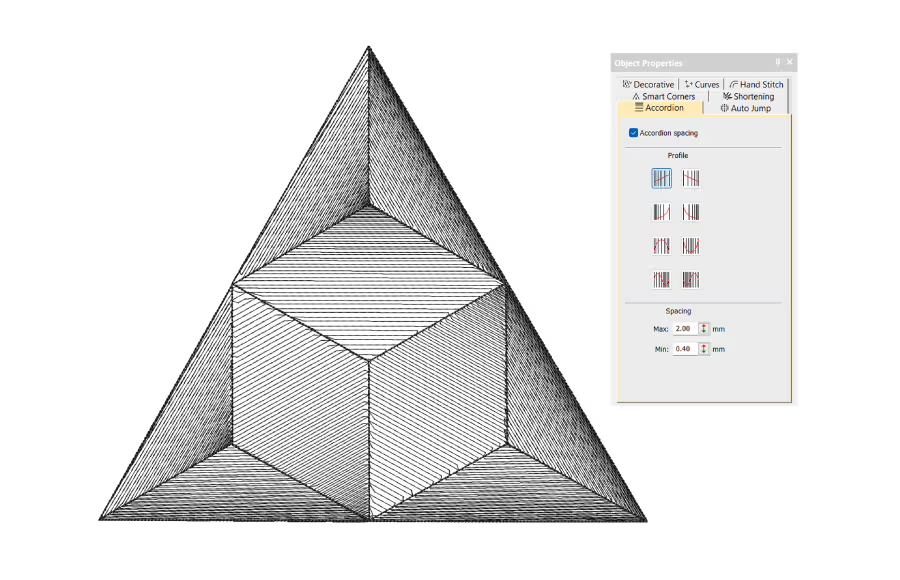
Accordion Spacing
Enhance designs with 8 gradient presets, adjusting stitch densities for smooth shading.

Motifs Advanced
Create motif runs or fill shapes with gradient and variable-size motifs.
Included with the DESIGNING Subscription
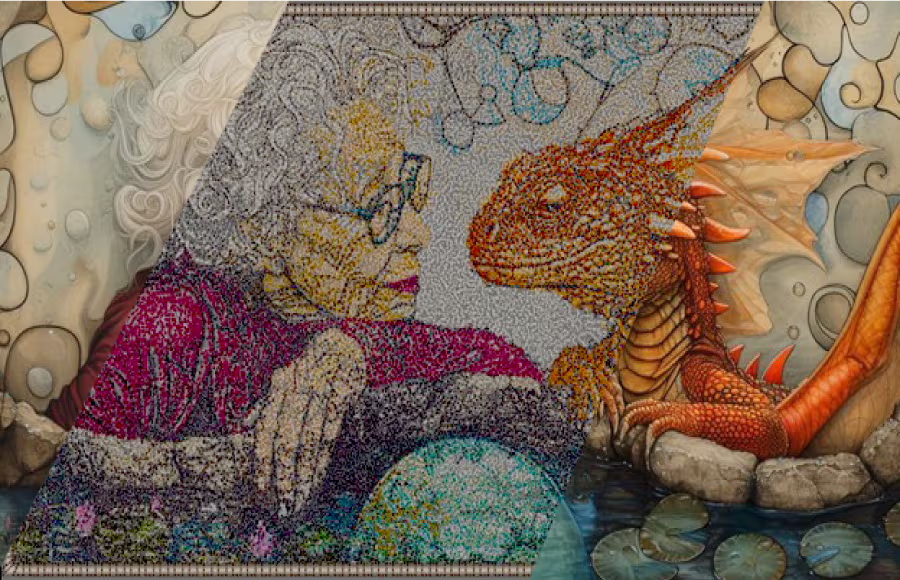
Reef PhotoStitch
Create captivating coral reef-like stitch pattern that concentrates on darker areas of the image for an artistic style.
Digitized by Drew Nelson
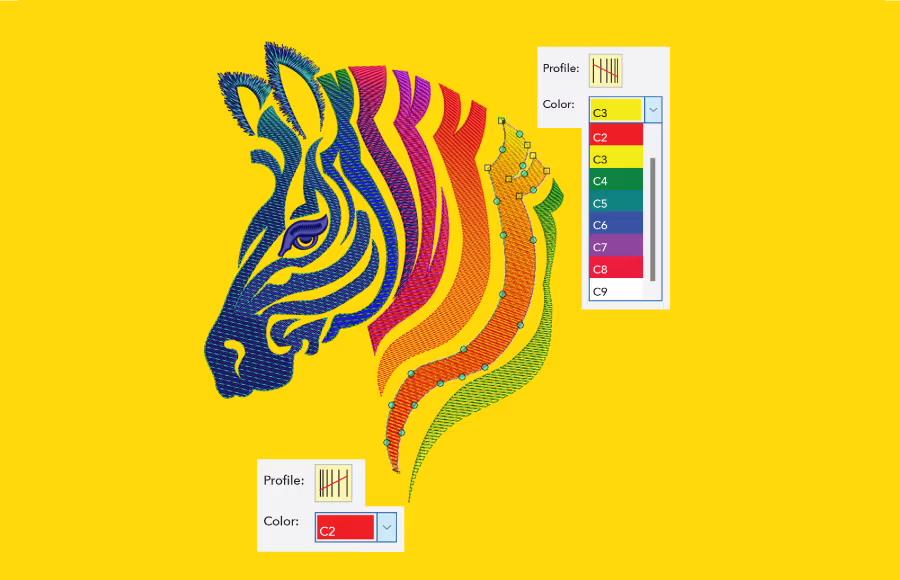
Color Blending
Create seamless embroidery gradients with 8 color presets, perfectly blending two colors.
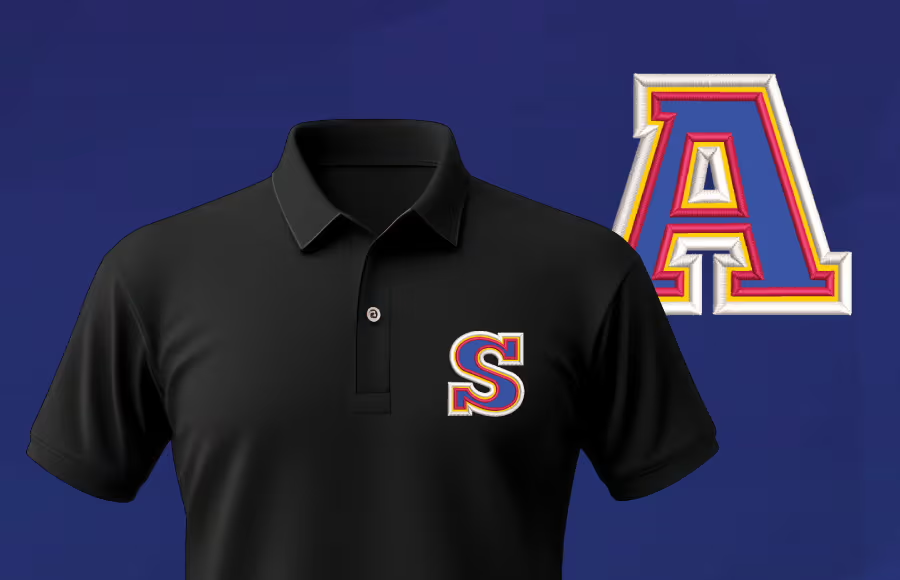
Keyboard Design Collection (KDC)

Alphabet Creator
Create and save your own fonts for repeated use, over and over again.
Included with the DESIGNING Subscription
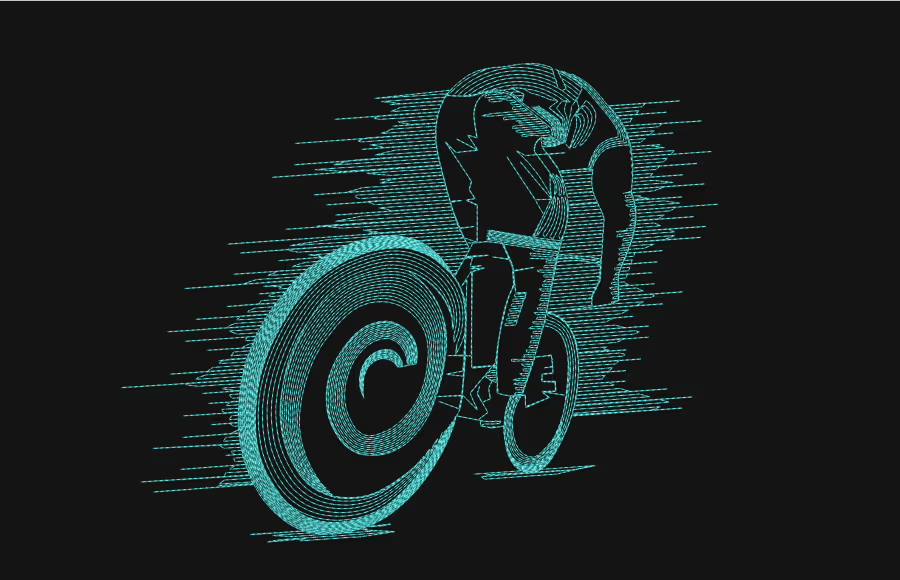
Contour Effect
The stitch follows the outlines of any object to create an open fill that adds a sense of movement.
Want more graphics?
Unleash the integrated power of CorelDRAW® Graphics Suite
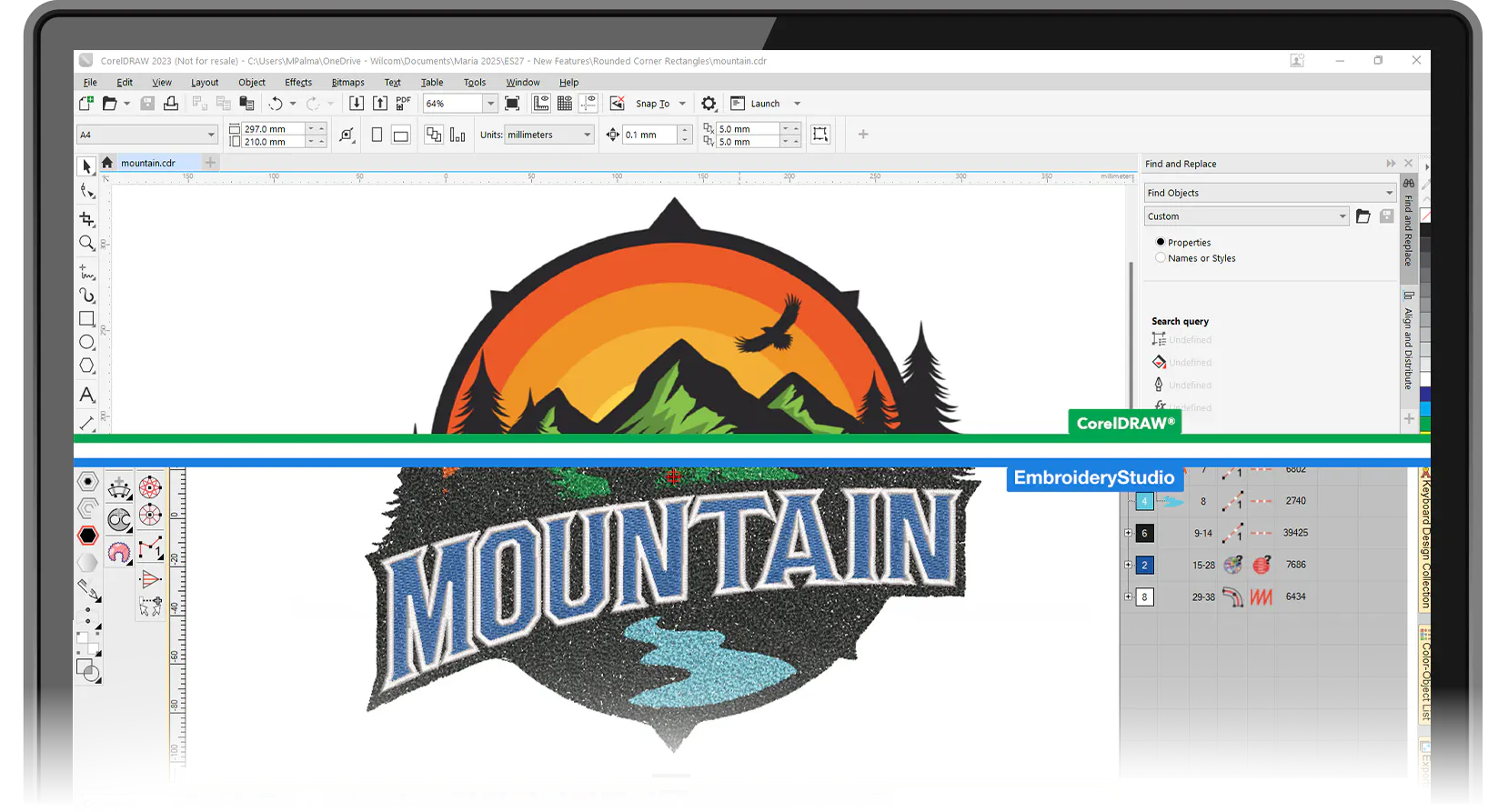
CorelDRAW is fully integrated and included with EmbroideryStudio Decorating and Designing, giving you seamless access to advanced graphic tools.
Compatible with all major embroidery machine brands including
Join hundreds of thousands of users who choose Wilcom.








EmbroideryStudio 2026 Is Available in Four Levels
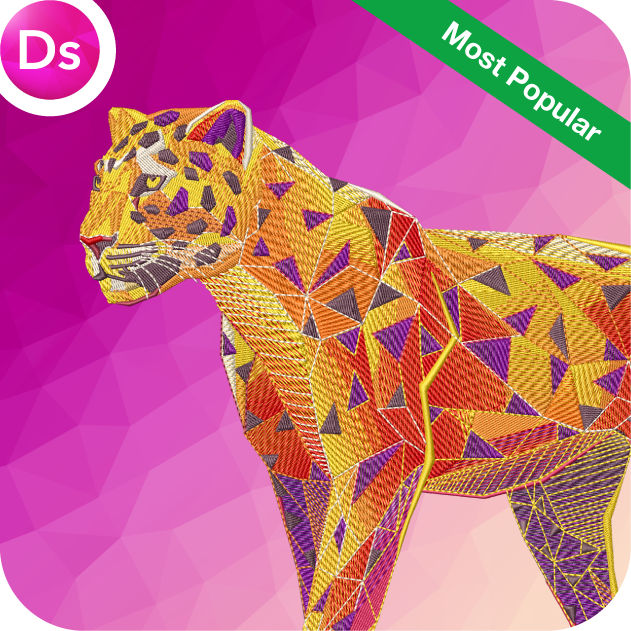
Designing
Ultimate embroidery & multi-decoration solution
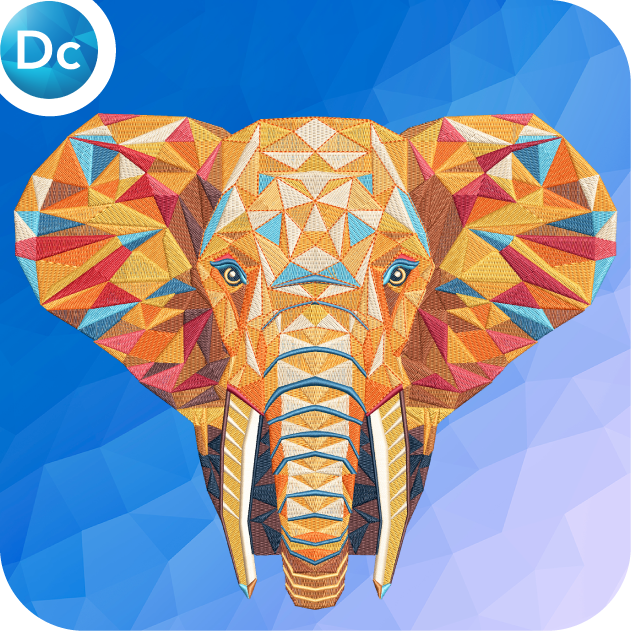
Decorating
Professional embroidery & multi-decoration solution
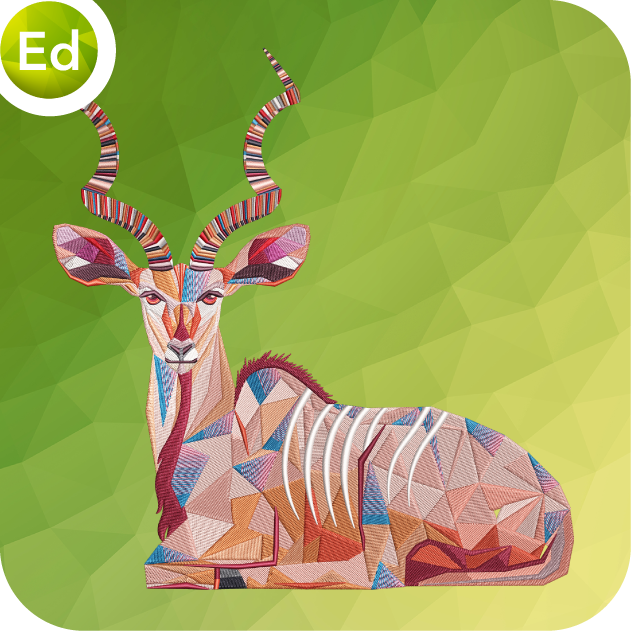
Editing
Designs, monograms & lettering editing software
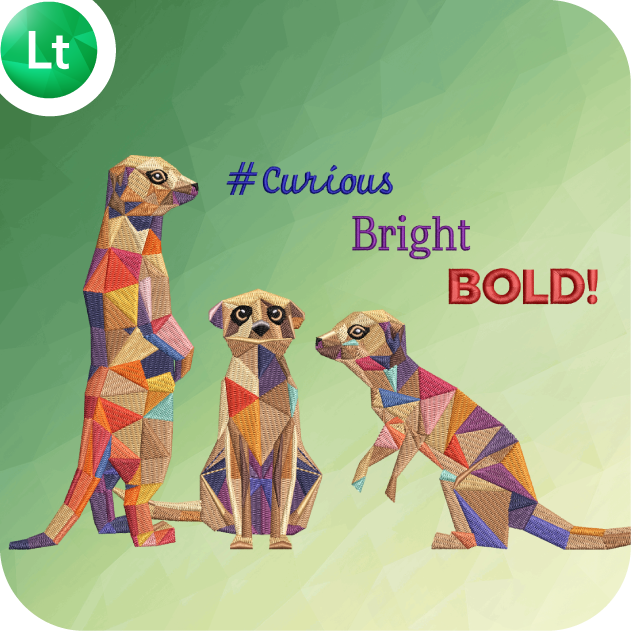
Lettering
Automatic lettering, customizing & machine connection software
★★★★★
“Wilcom is great software and allows me to do what I need to do in a very efficient way.”
★★★★★
“Switched from Hatch, and it’s seamless and the best thing I ever did!”
★★★★★
“From my original purchase from Wilcom…this company backs the customer as well as their product.”
★★★★★
“Wilcom Personnel Are Truly Great People”
Talk to a Wilcom Specialist

The World's Favorite Embroidery Software