
EmbroideryStudio 2026
From concept to stitch-out, EmbroideryStudio 2026 gives you the power to design, digitize, refine, and deliver professional embroidery at scale.
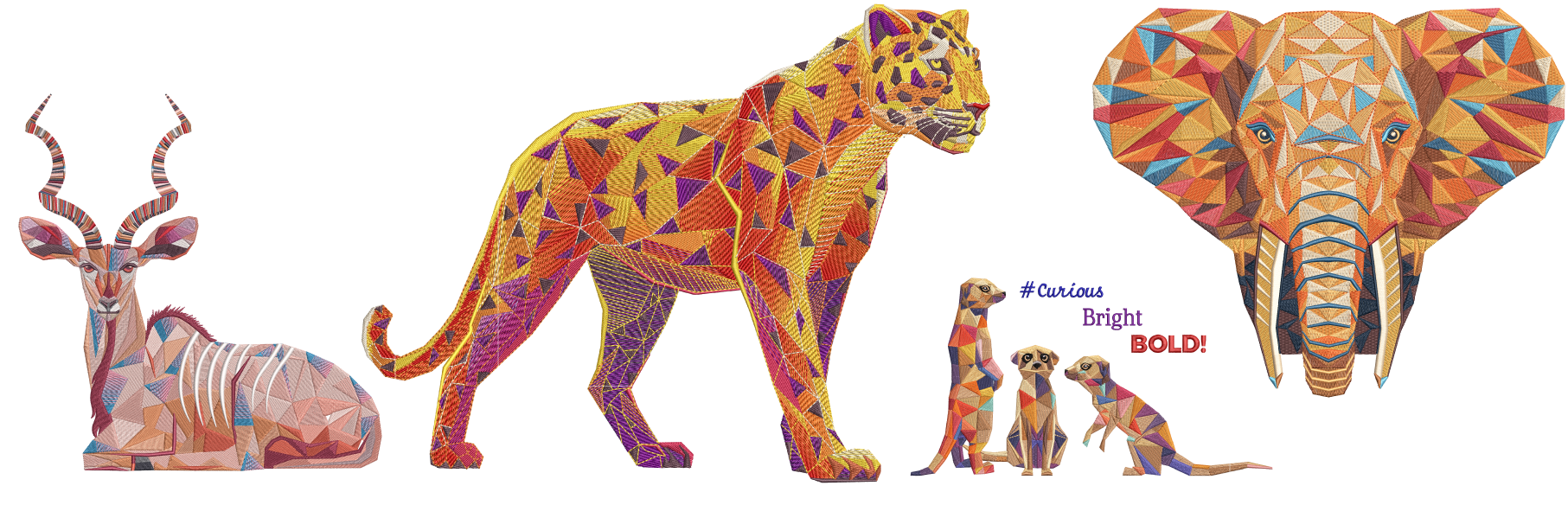
What’s new in EmbroideryStudio 2026
Key enhancements and new tools designed to improve digitizing precision, efficiency, and production workflows.
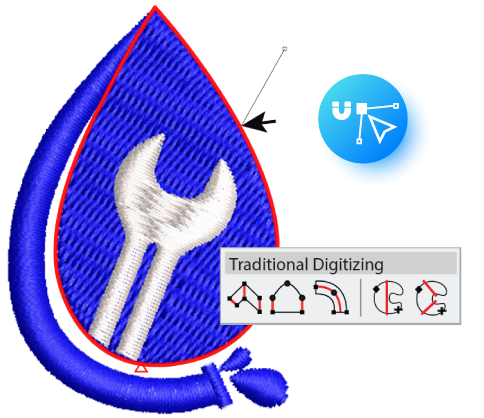
Snap to Object
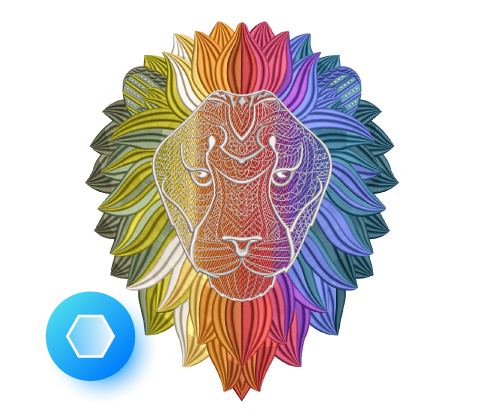
Multi Blend
Add depth, shading, and smooth gradients with layered stitch blends. Adjust colors, preview changes instantly, and choose from presets or build your own custom blends.
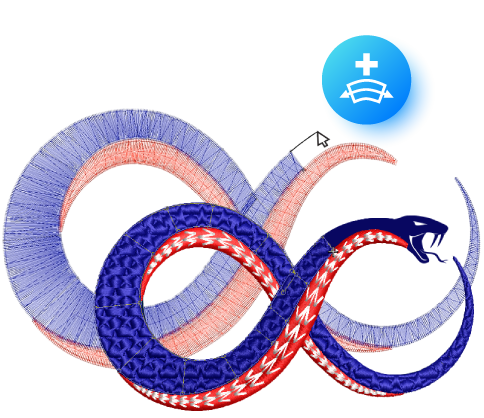
Continue Digitizing
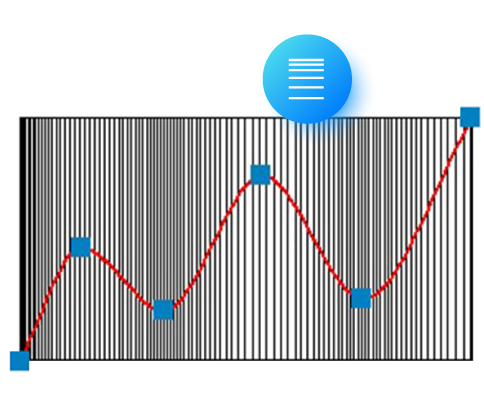
Custom Accordion Spacing
Create wave-like density shifts within a single accordion object for dynamic texture and visual flow.

Redwork
Convert outlines into continuous Redwork with Single, Triple, Backstitch, or Stemstitch runs, all optimized for smooth pathing.
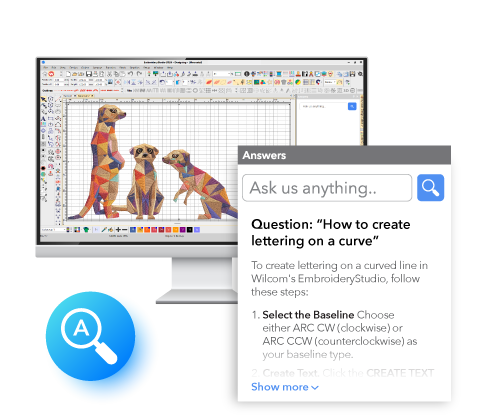
Wilcom Answers
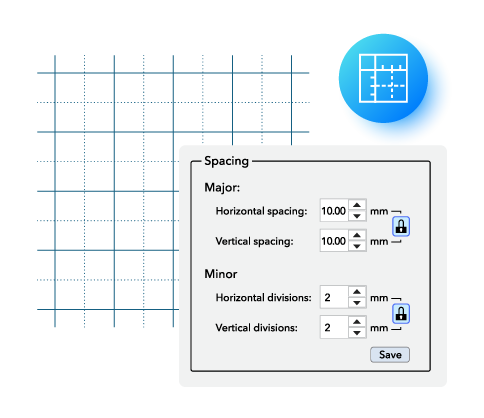
Major and Minor Grid
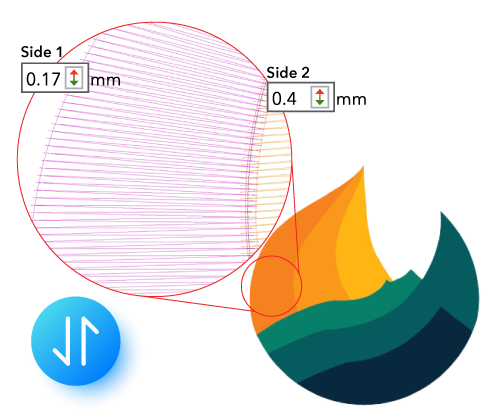
Separate Pull Compensation
Control pull compensation independently on each side of an object, enabling cleaner outlines, sharper edge definition, and more accurate results across different fabrics.

Streamlined Export
Export designs and worksheets together in one step, saving time and streamlining job output.
EmbroideryStudio 2026 Is Available in Four Levels
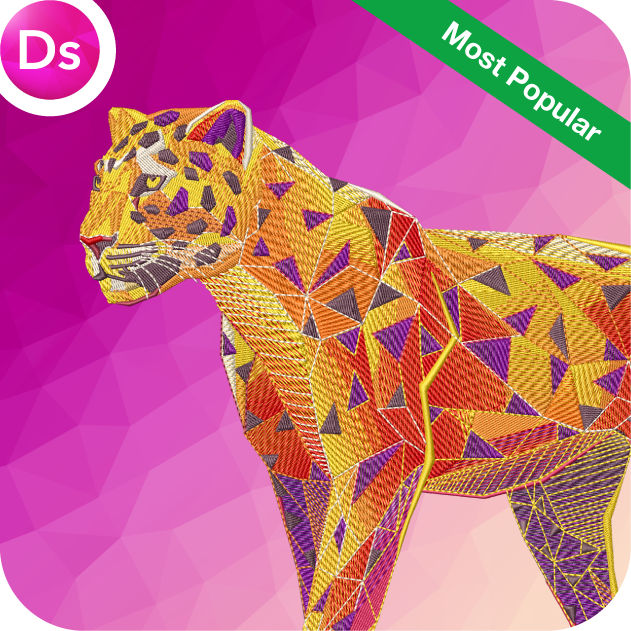
Designing
Ultimate embroidery & multi-decoration solution
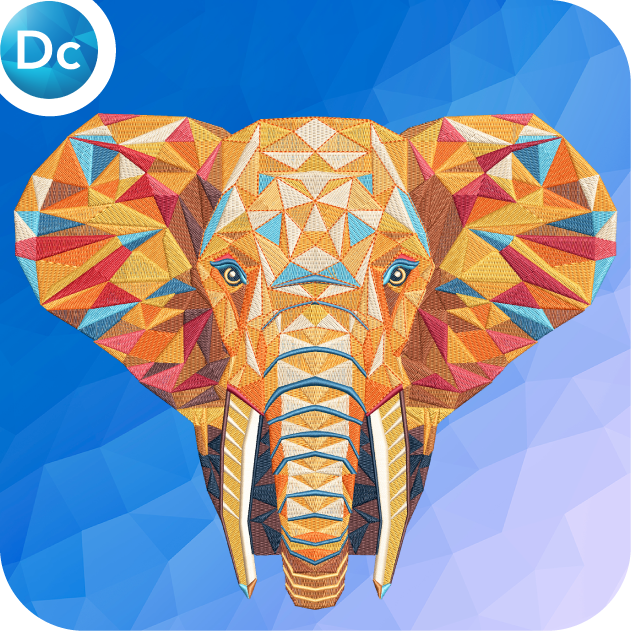
Decorating
Professional embroidery & multi-decoration solution
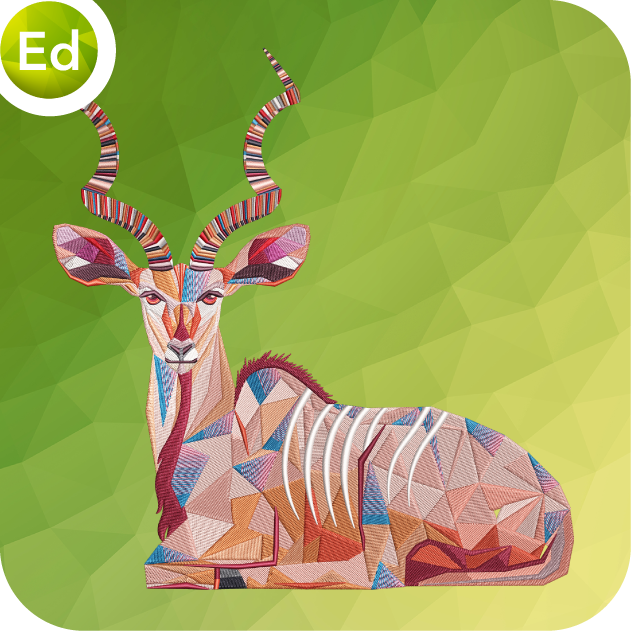
Editing
Designs, monograms & lettering editing software

Lettering
Automatic lettering, customizing & machine connection software
Compatible with all major embroidery machine brands including
Join hundreds of thousands of users who choose Wilcom.








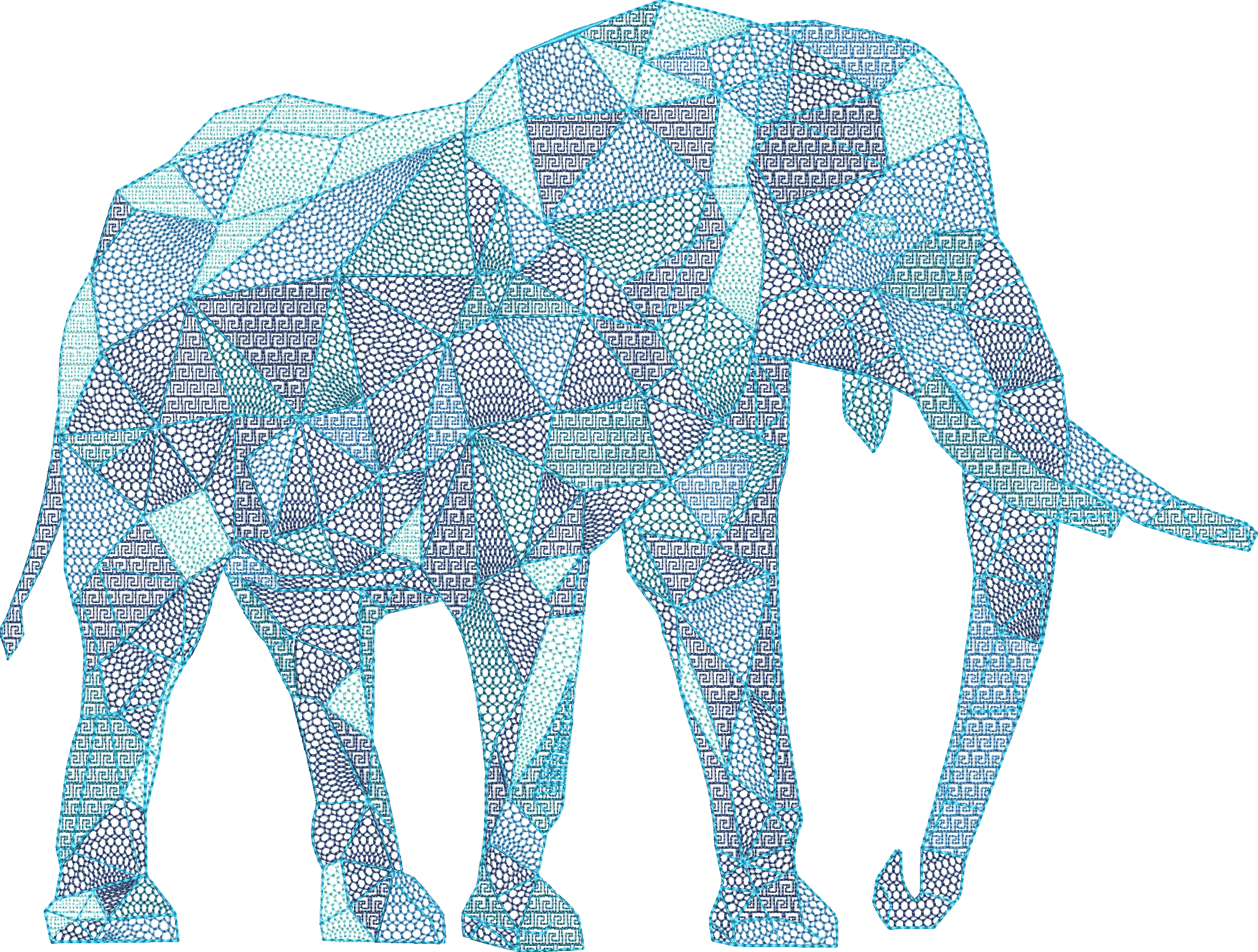
Experience the Power of Professional Software
Choose from a suite of powerful embroidery digitizing tools designed to meet any challenge. Effortlessly create on-screen shapes, fill them with stitches, sequins, and beads, or blend embroidery with graphics to craft stunning, multi-decoration designs.
Try these tools firsthand with a 14-day free trial and elevate your embroidery creations!
Talk to a Wilcom Specialist

The World's Favorite Embroidery Software